

Guide to cleaning your laptop keyboard: How to do it.
How to clean a laptop keyboard
A laptop keyboard can quickly become a collector of dust, small crumbs, and bacteria. To keep your device tidy and your work on it hygienic, it’s worth dedicating time to cleaning regularly.
Before you begin, be sure to turn off your laptop and disconnect it from the power source. If your model allows, remove the battery. These are basic safety measures that will help prevent accidental keystrokes or short circuits due to moisture.
How to clean a laptop keyboard
-
First, you need to remove large debris by mechanical shaking. To do this, carefully turn the laptop upside down with the keyboard facing down and gently shake the device. This action helps get rid of large crumbs and dust trapped in the spaces between the keys and held firmly there by gravity.
-
The next step is to use compressed air, which is considered the best tool for quickly removing dirt. Hold the can at an angle of approximately 45 degrees to the surface, slowly blowing through the gaps between the keys, moving sequentially from left to right. It is important not to bring the nozzle of the can too close to the keys, so that the high-pressure airflow does not damage the delicate mounting mechanisms.
-
To remove small debris remaining after blowing, it is advisable to use sticky tape or special cleaning slime. If you choose tape, gently roll it sticky side over the keyboard surface so that lint and dust residue stick to it. Special tech slime works on a similar principle, penetrating hard-to-reach crevices and absorbing any contaminants.
-
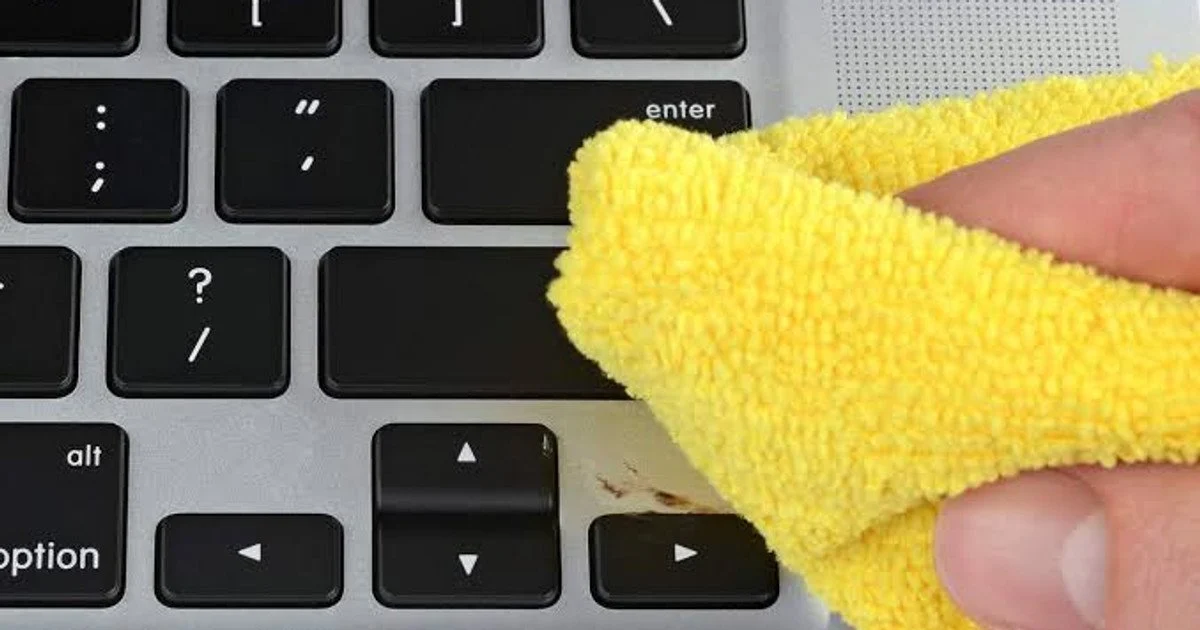
After removing the main debris, you need to perform wet cleaning of the surfaces. Take a microfiber cloth and lightly moisten it with isopropyl alcohol. Remember that it is strictly forbidden to spray liquid directly onto the keyboard. Gently wipe the top surfaces of the keys and the space between them – thanks to its structure, microfiber effectively collects dirt without leaving unwanted lint on the surface.
-
In the final stage, pay attention to the details with cotton swabs. If stubborn stains or sticky dirt remain in certain areas, use a swab lightly dampened with the same alcohol solution. This will allow for localized and careful removal of dirt in the most hard-to-reach places where a regular cloth cannot provide proper results.
What not to do
When caring for your laptop keyboard, it is important to avoid actions that could damage the device. It is strictly forbidden to use ordinary water for cleaning. Even a minimal amount of liquid getting under the keys can cause corrosion of contacts and lead to serious damage to the motherboard, the repair of which is complex and expensive.
You should also refrain from using household detergents. Most of them contain aggressive chemical components that negatively affect plastic: they can change the color of the coating, make it sticky, or gradually erase the letter markings, which will make working on the laptop uncomfortable.
Special attention should be paid to the issue of key removal. Do not try to remove them without an urgent need, as modern laptop models use extremely fragile mounting mechanisms. Lack of experience and appropriate tools will almost certainly lead to the thin plastic fasteners breaking, and it will be impossible to put the key back in place without the help of service center specialists.
Following these safety rules will allow you to tidy up your keyboard in minutes. If you perform such a procedure regularly, for example, once every two weeks, your device will remain clean, hygienic, and will work stably for a long time.
Comments Sort: New Old Popular Send